Use cases

Start with the work, then choose the scan profile.

Map a receiving task to a ready Vision Scan workflow, then adapt the same governed output across sites, devices and host systems.

Workflow profiles

Four focused ways to scan

  • Released

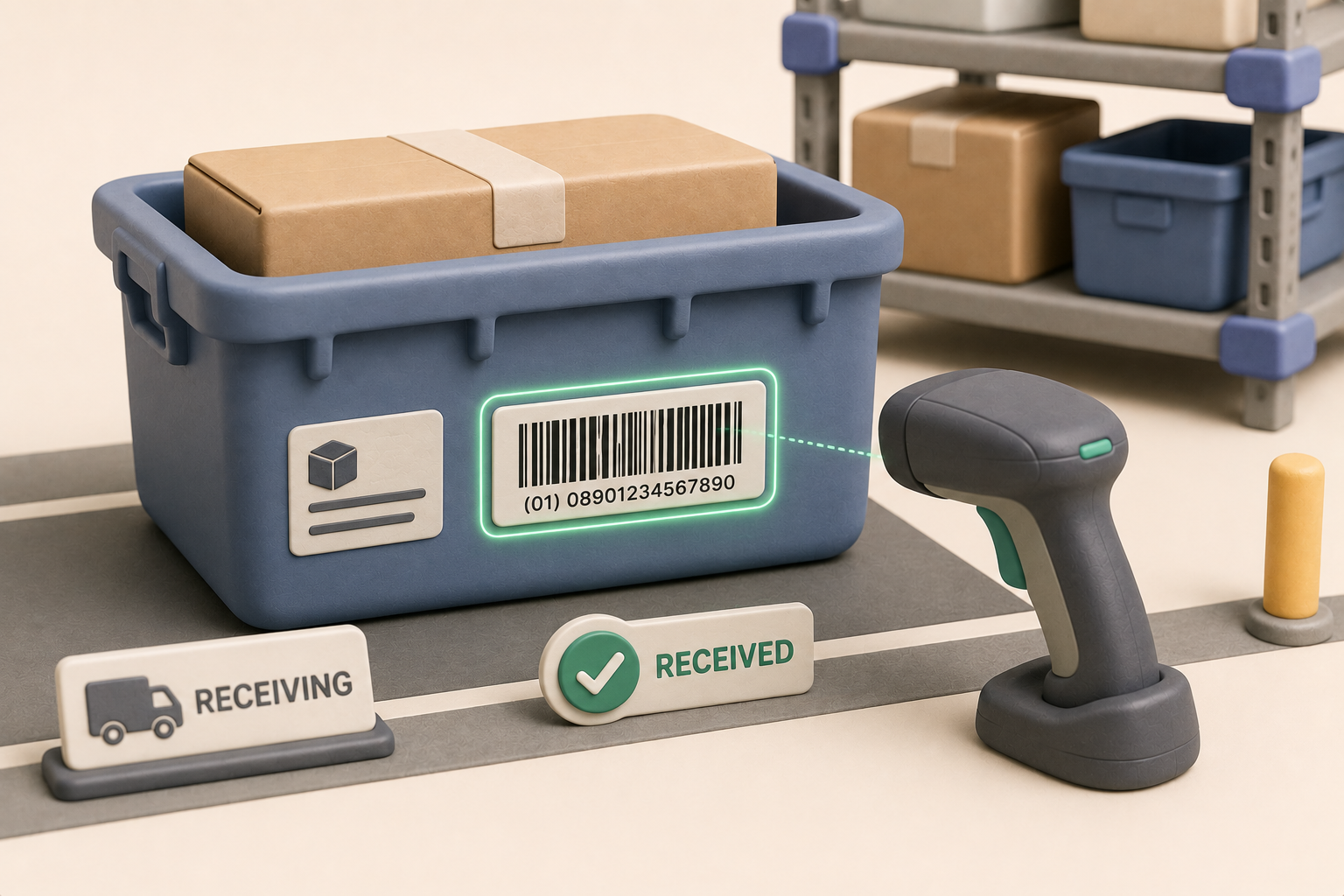
    Receive & Validate

    Sweep or aim, qualify the GTIN first, then associate lot, expiration and serial fields before the item is accepted.

    View workflow
  • Preview

    Scan & Count

    Deduplicate repeated video frames for the same label and surface a distinct-package indicator as a receiving aid.

    View workflow
  • Preview

    Find & Pick

    Confirm a picked item against its qualified GTIN from a live scan rather than by label appearance.

    View workflow
  • Released

    Focused Rescue

    Use constrained OCR rescue on a single hard-to-read label only when no valid barcode is present.

    View workflow

Operational fit

Use the same foundation across everyday inventory work

These examples show where the profiles fit without prescribing customer-specific rules or exposing private implementation detail.

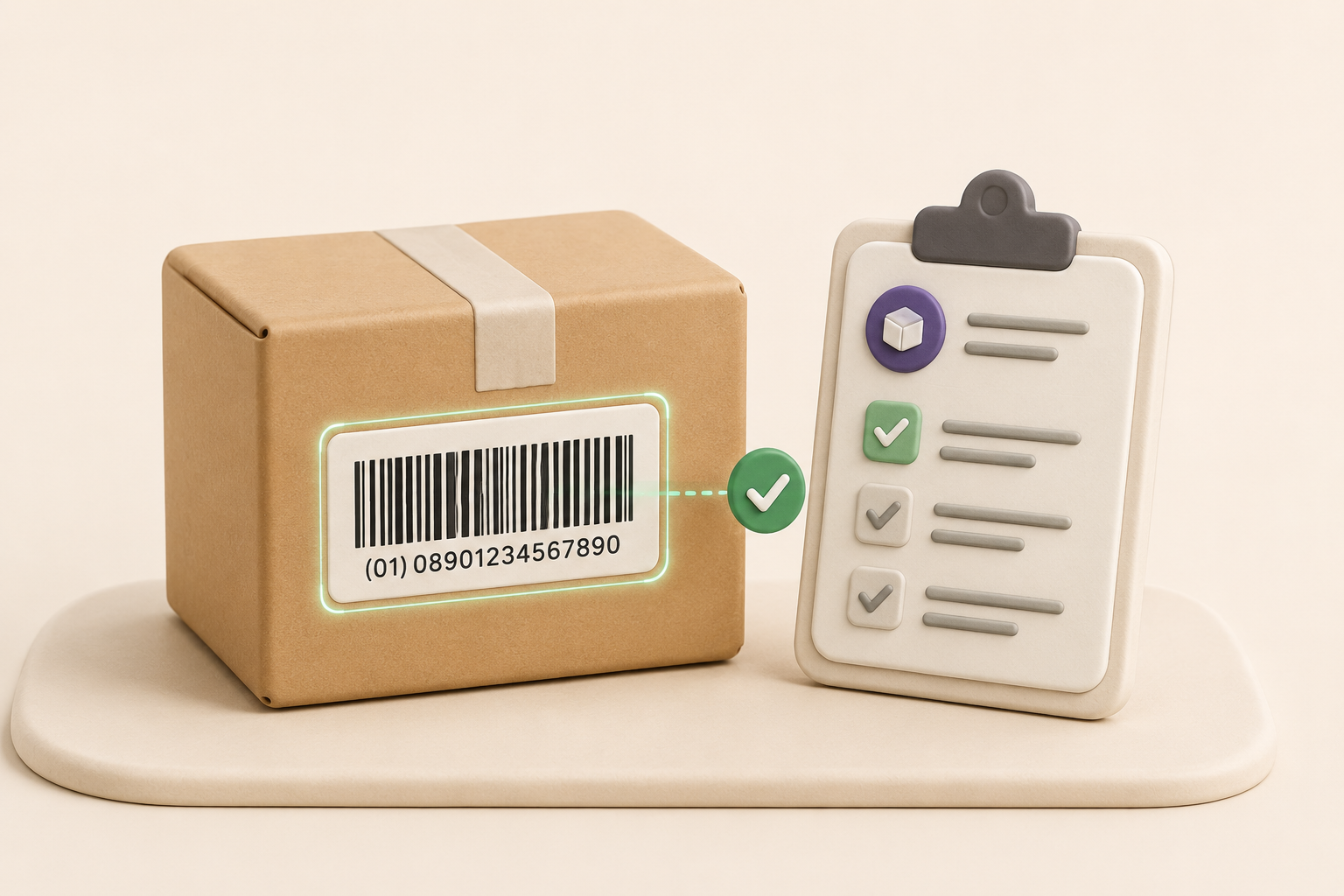
Warehouse operator scanning a package barcode.
Receiving

Purchase-order receiving

Match packages to expected intake while keeping exceptions reviewable.
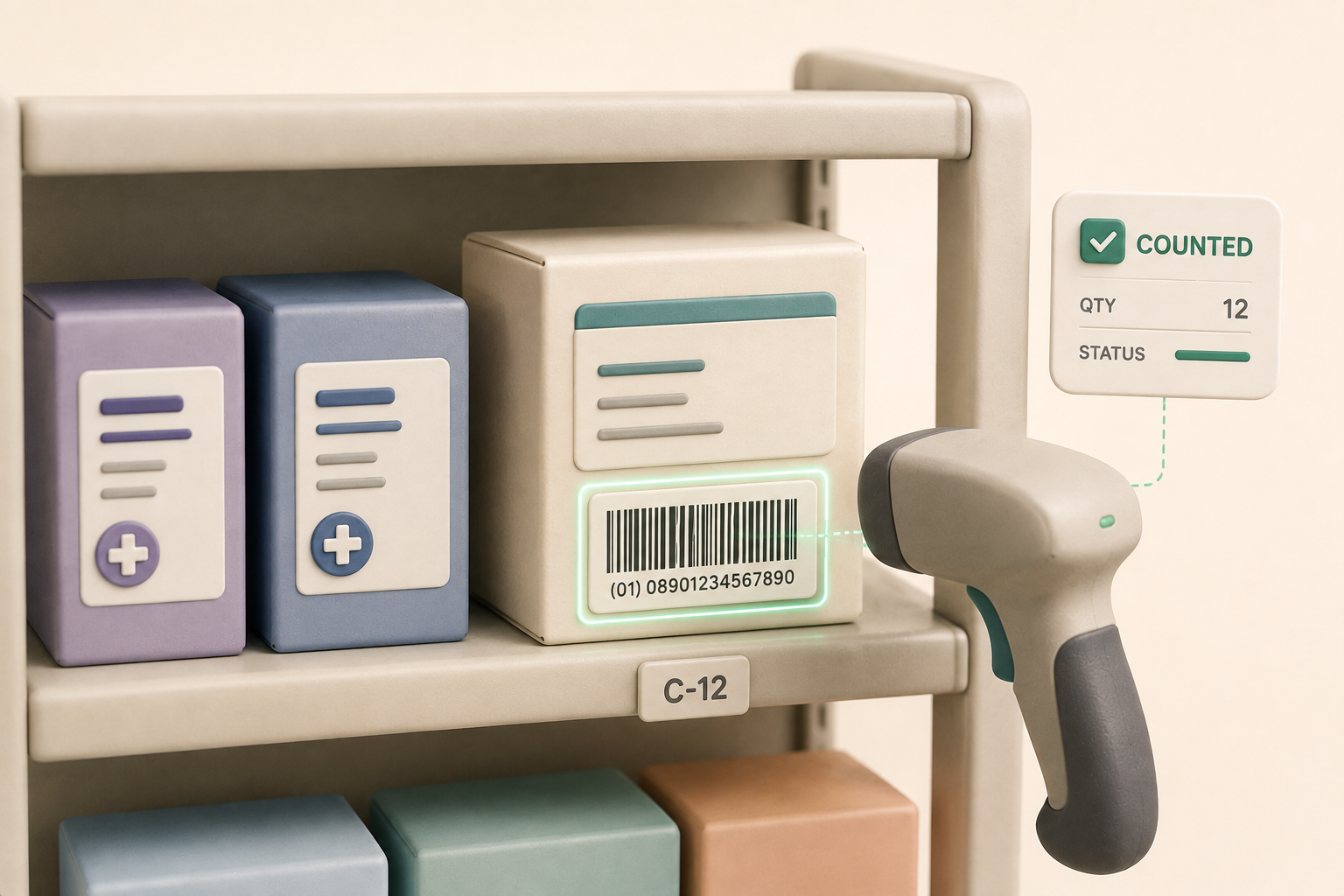
Retail shelves representing barcode-led shelf review.
Inventory

Cycle count and shelf review

Use the same identity-first pattern for routine inventory checks.
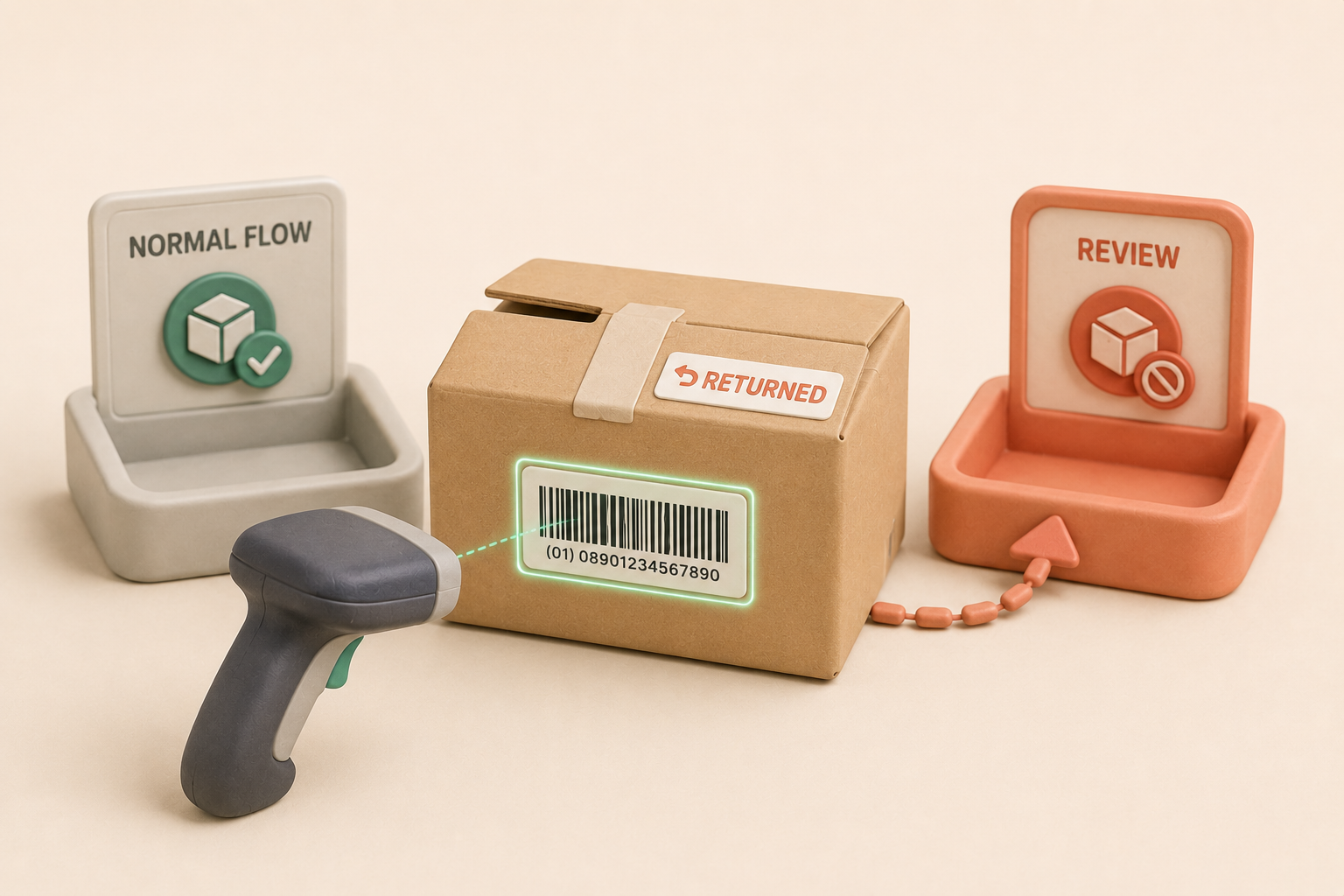
Hospital pharmacy shelves representing regulated inventory review.
Returns

Return and quarantine triage

Separate questionable items from normal flow without exposing internal policy logic.
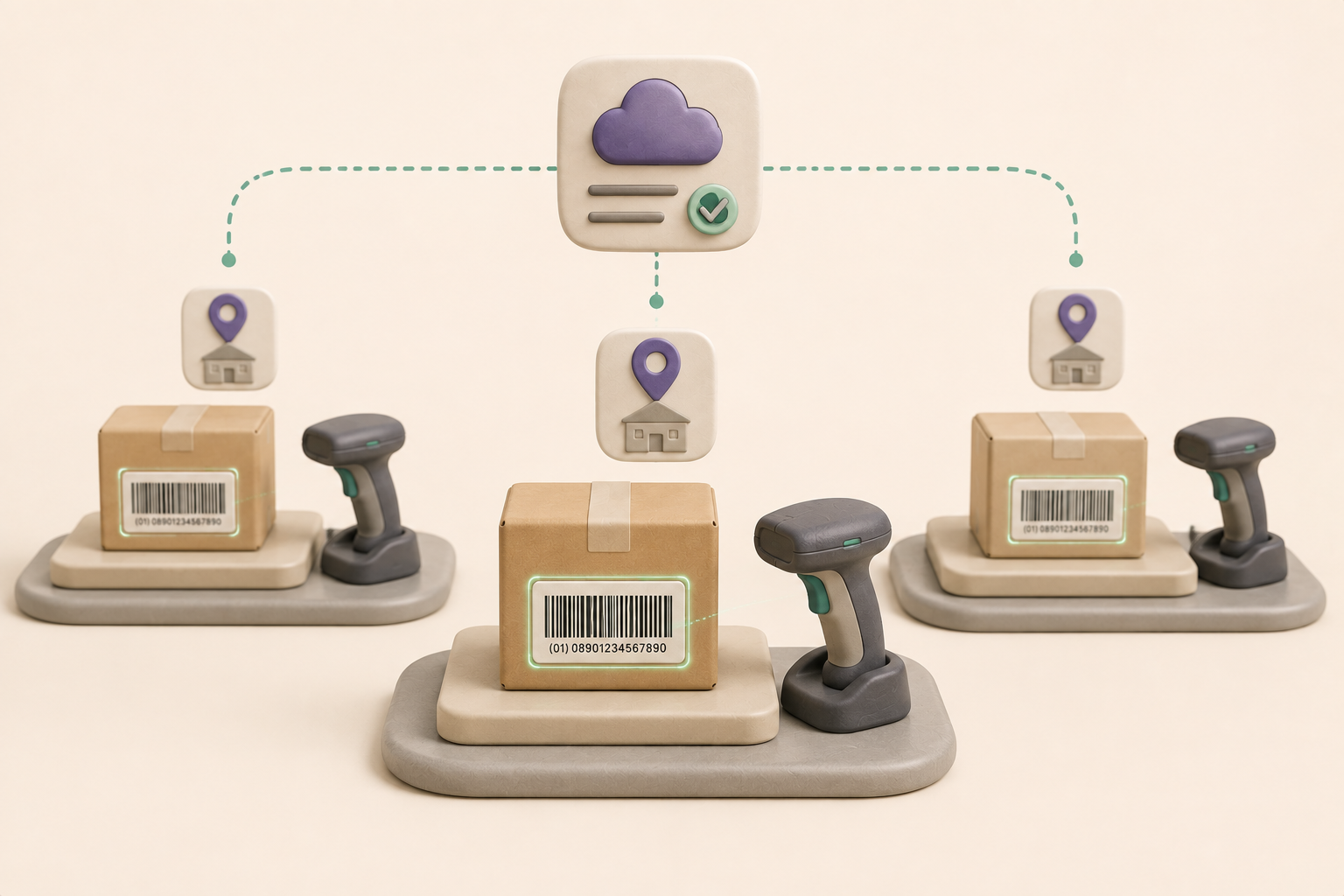
Hospital pharmacy logistics station representing multi-site operations.
Operations

Multi-site rollout

Give teams a consistent receiving surface across locations and devices.
Modern warehouse pallet-rack storage representing large logistics operations.
Logistics

3PL and warehouse operations

Support pallet, carton and tote workflows where teams need consistent barcode intelligence across busy receiving lanes.
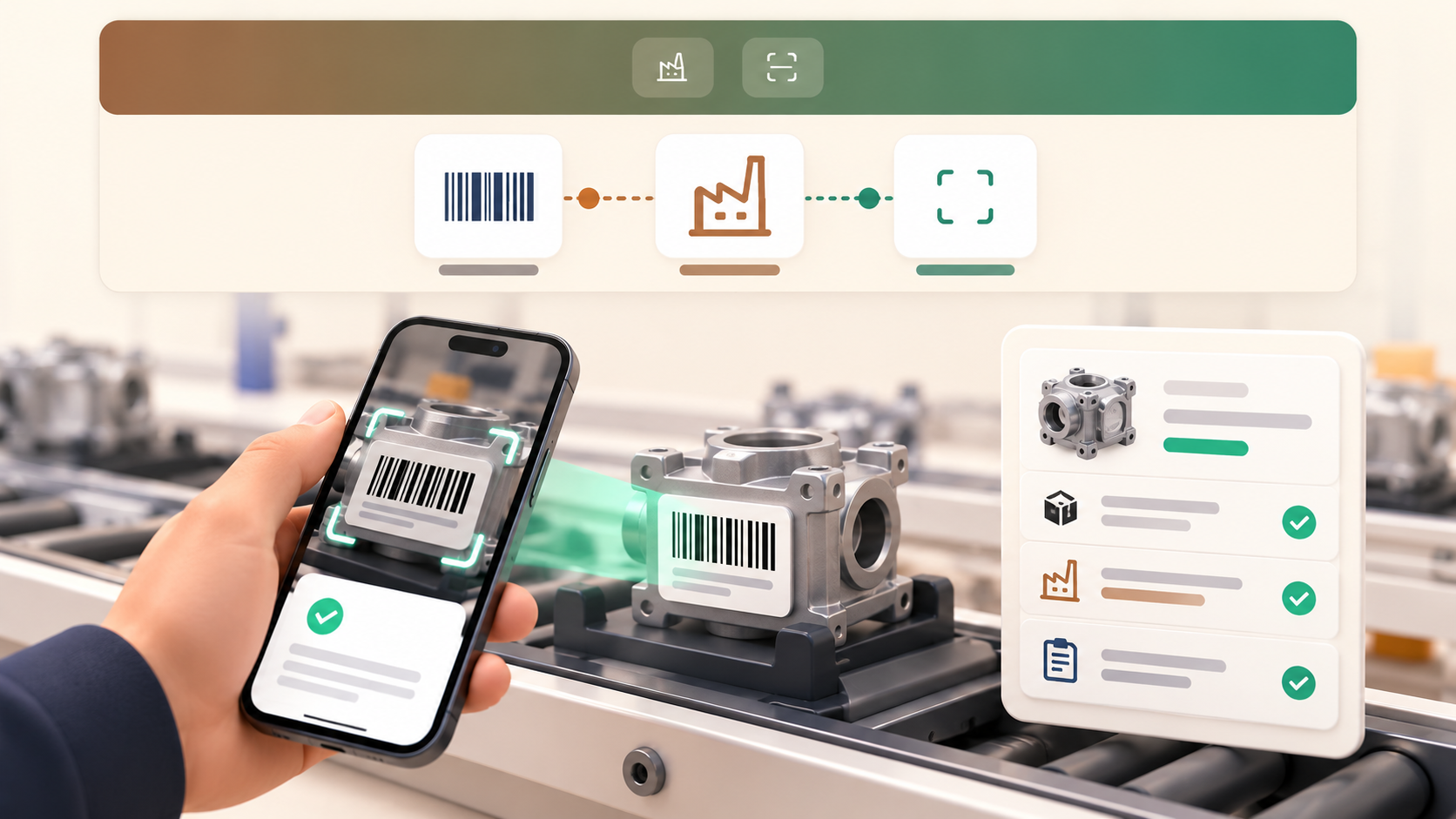
Manufacturing line representing component and work-order traceability.
Manufacturing

Component and work-order traceability

Capture part, batch and work-order identifiers at line-side checkpoints without forcing teams into a pharmaceutical-only flow.

Industry fit

The right pattern for your environment

Operational detail for the environments Vision Scan serves — each pattern builds on the workflow profiles above.
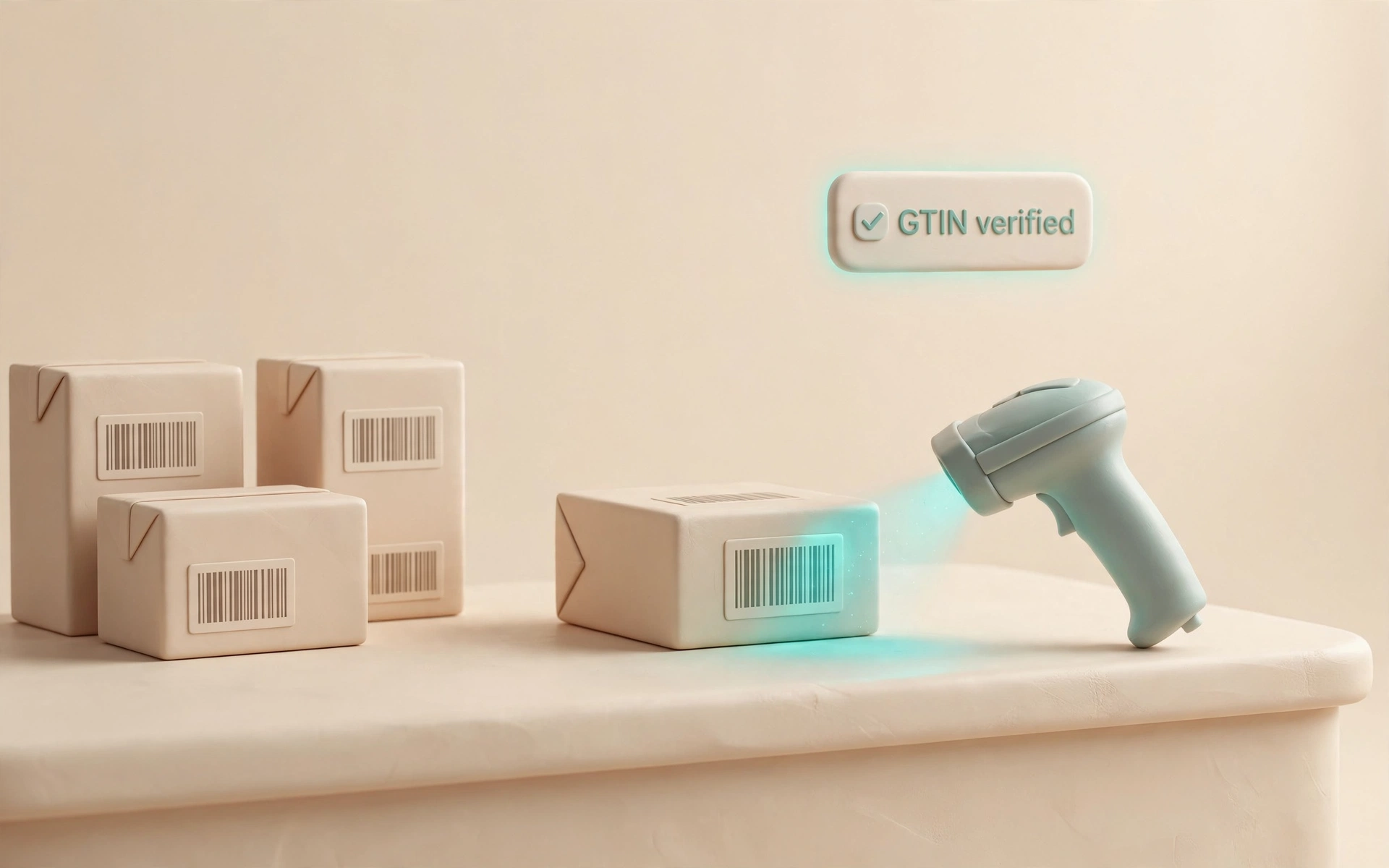
Pharmacy receiving counter with medication cartons being scanned, GTIN verified.
Pharmacies

Calm counter receiving for regulated product

A GTIN-first intake flow for mixed medication, OTC and clinic supply deliveries — questionable items stay reviewable before inventory moves forward.
  • Start with one receiving lane and the highest-volume delivery type.
  • Configure accepted barcode families and exception categories.
  • Connect scan events to the pharmacy inventory workflow after portal onboarding.
  • Validate device-only capture behind a pilot gate while software acceptance uses replay evidence.
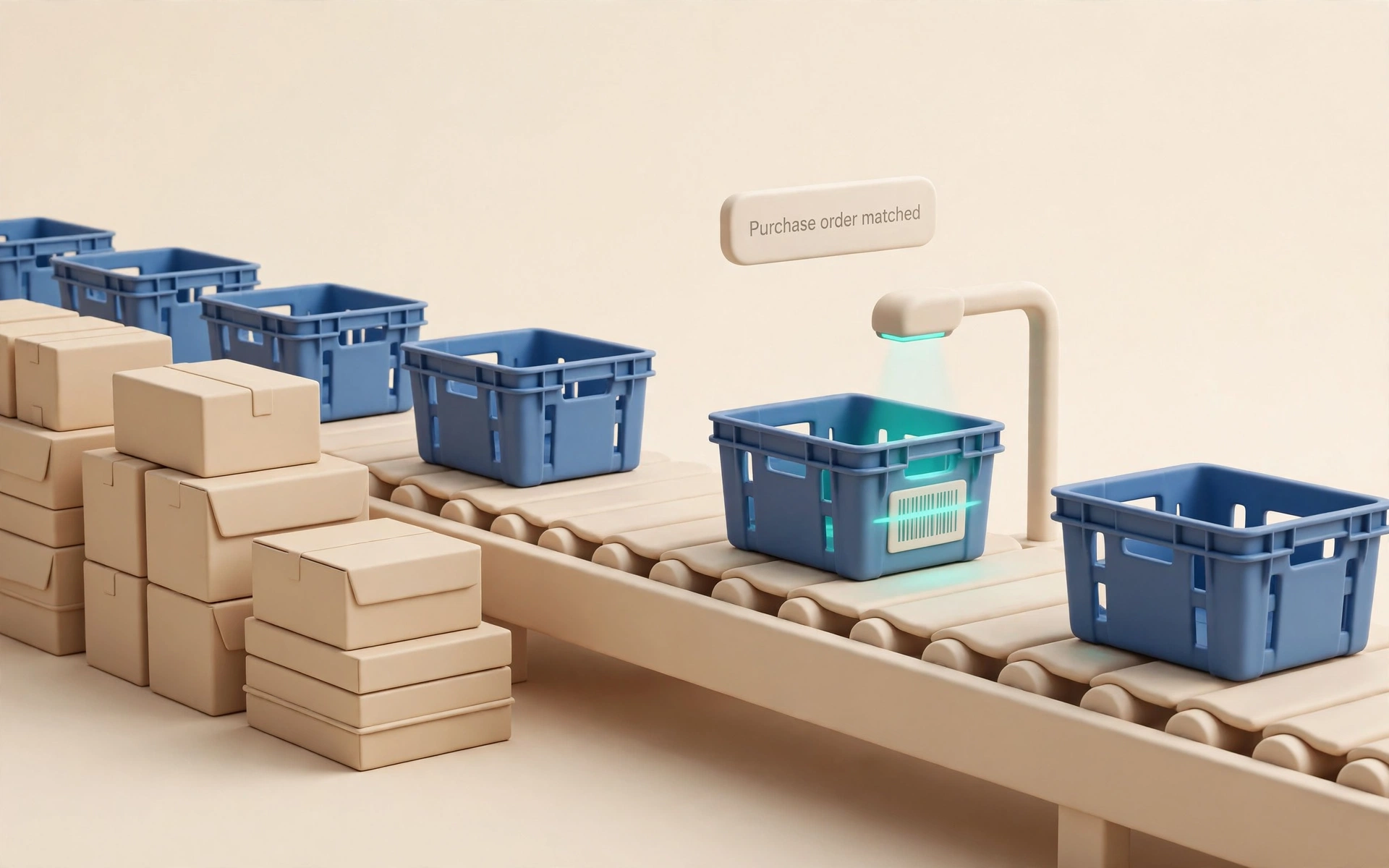
Inbound receiving lane with totes and cartons, purchase order matched.
Pharmaceutical wholesale

Repeatable control for high-volume receiving

A common receiving surface across branch lanes and shifts — cartons, totes and returns stay reconcilable without slowing operators down.
  • Pilot on inbound purchase-order receiving and branch exception review.
  • Define carton, tote, pallet and return profiles by site and device class.
  • Route accepted events to WMS, ERP or reconciliation APIs with tenant-level controls.
  • Keep dock-floor hardware validation as the final rollout gate.
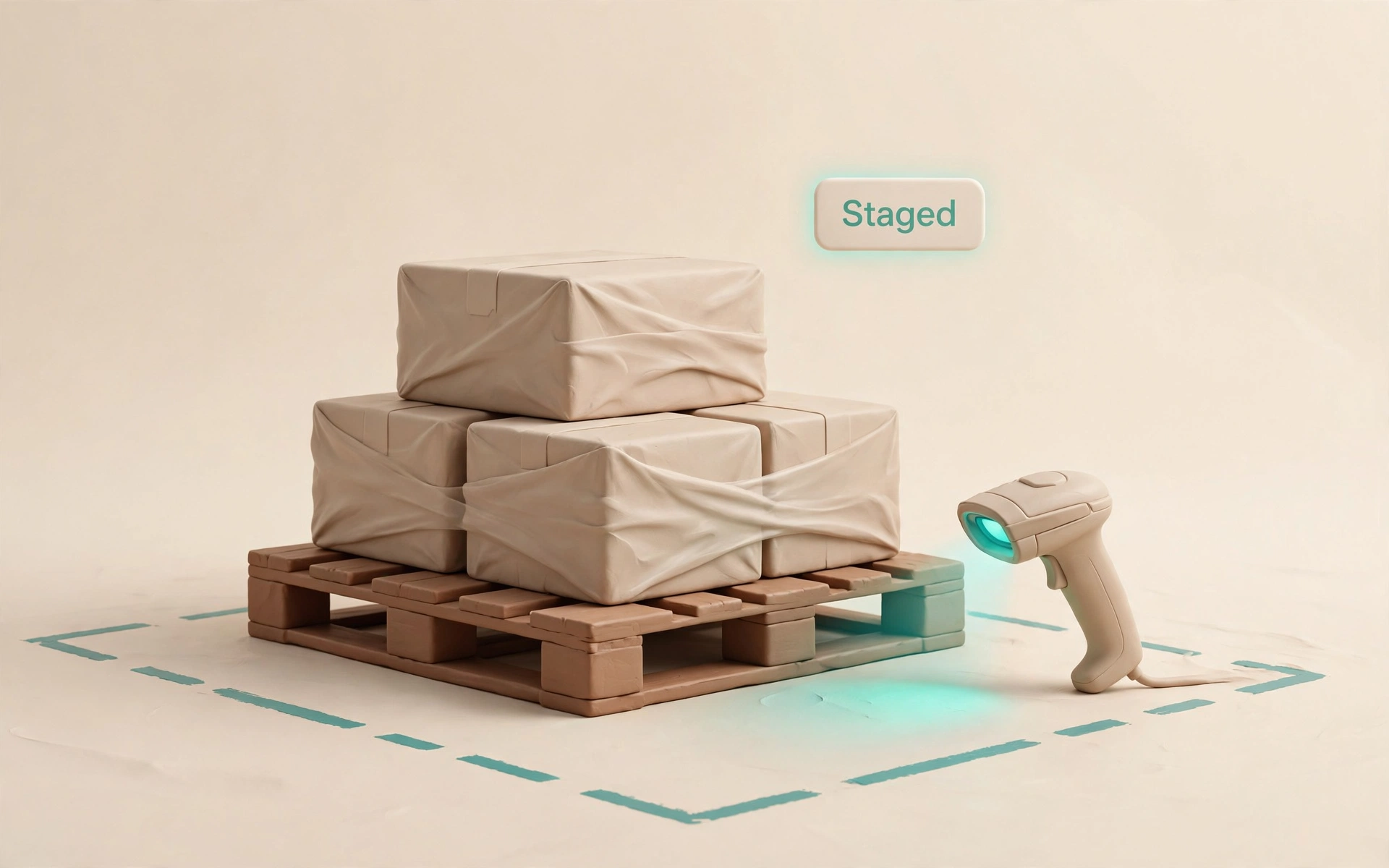
Warehouse staging zone with palletized cartons, staged and verified.
Distribution and 3PL

Configurable scan intelligence across facilities

One scan layer for receiving, staging and outbound validation — customer-specific mappings stay private while events stay governed.
  • Start with inbound receiving and outbound validation.
  • Unlock SDK guides and environment profiles through portal onboarding.
  • Pilot with replay, image-upload and live-sweep flows before expanding facilities.
  • Expose only governed event contracts to downstream systems.
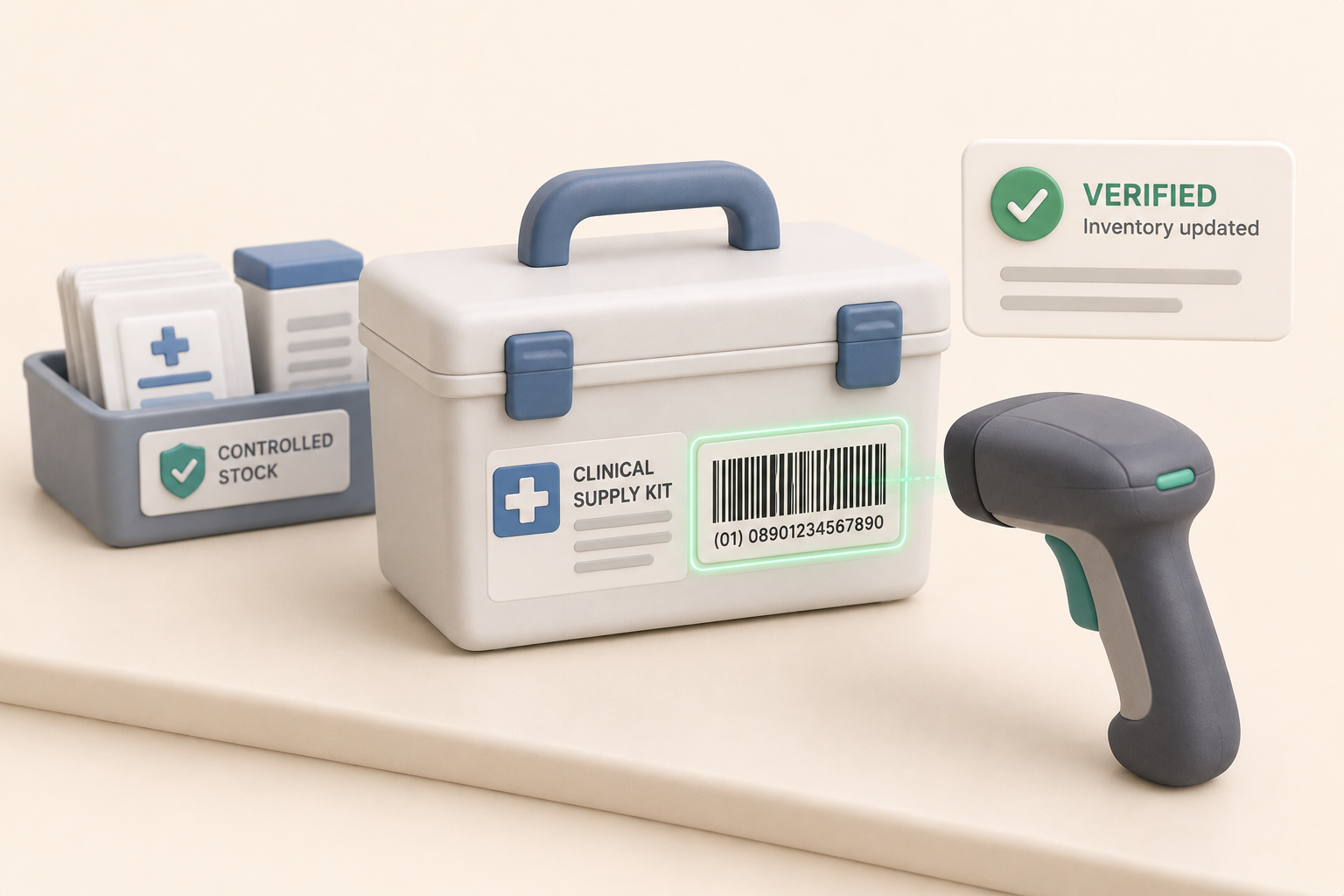
Clinical supply kit with barcode being scanned, inventory verified.
Hospitals and medical supply

Governed intake for supply rooms and kits

GTIN-first product identity for medical supplies — lot, expiration and serial values stay reviewable when incomplete or conflicting.
  • Begin with non-patient-facing intake: supply rooms, kits, receiving docks.
  • Configure accepted identifiers, review prompts and retention with the customer team.
  • Integrate with inventory or compliance review systems after account setup.
  • Treat device validation as a deployment milestone.
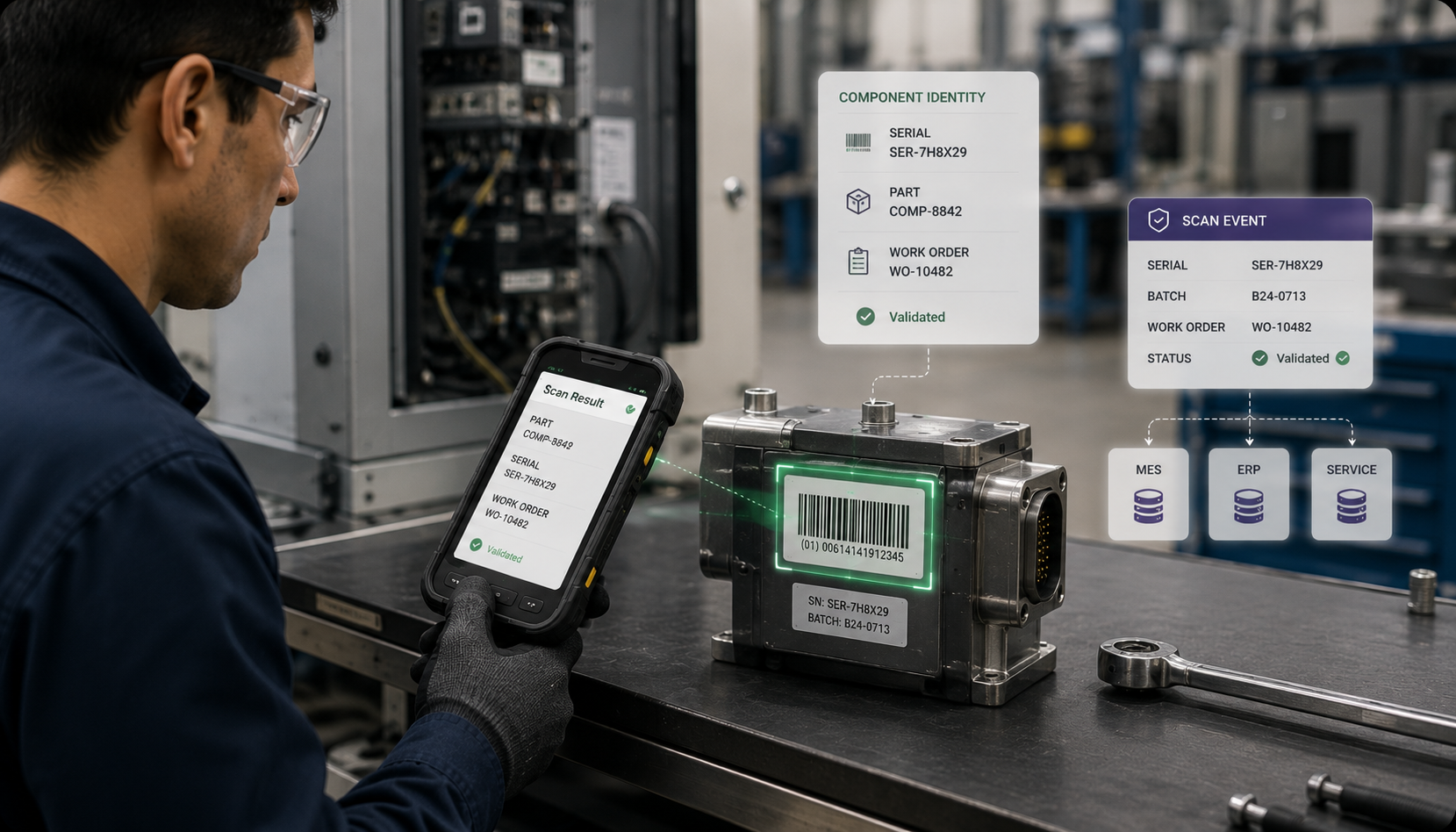
Line-side component station with serialized parts being scanned, work order validated.
Manufacturing and field service

Checkpoint validation for components and assets

SDK-first barcode intelligence for line-side checkpoints and service routes — the host system decides what each event means.
  • Choose one checkpoint: line-side component validation or spare-parts dispatch.
  • Define industry-neutral barcode profiles and host-owned business rules.
  • Embed the SDK in the existing worker app or station workflow.
  • Use replay fixtures and operator review records before hardware rollout.
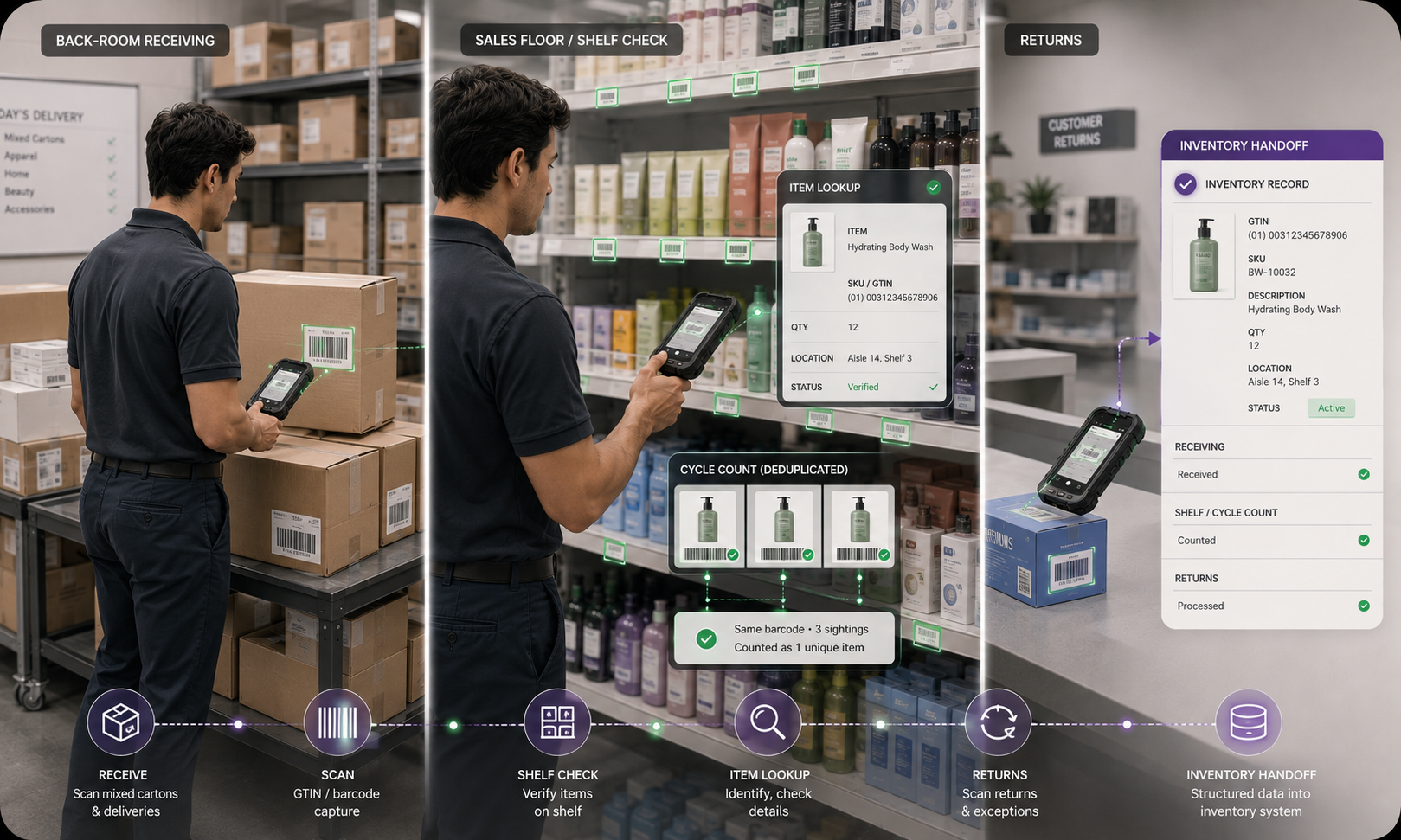
Retail backroom shelving with inventory boxes being scanned, shelf-ready.
Retail and grocery

One scan pattern from back room to shelf

A governed receiving and shelf-execution layer for fast-moving inventory — exceptions stay disciplined without slowing store teams.

  • Pilot with back-room receiving and a small set of shelf-review tasks.
  • Configure barcode families and exception labels for store operations.
  • Connect accepted events to inventory, task or replenishment systems after signup.
  • Gate readiness on store replay and device validation.

Need a workflow for your environment?

Explore industry-specific solution paths or start an evaluation to discuss your receiving lanes.