Scan & Count
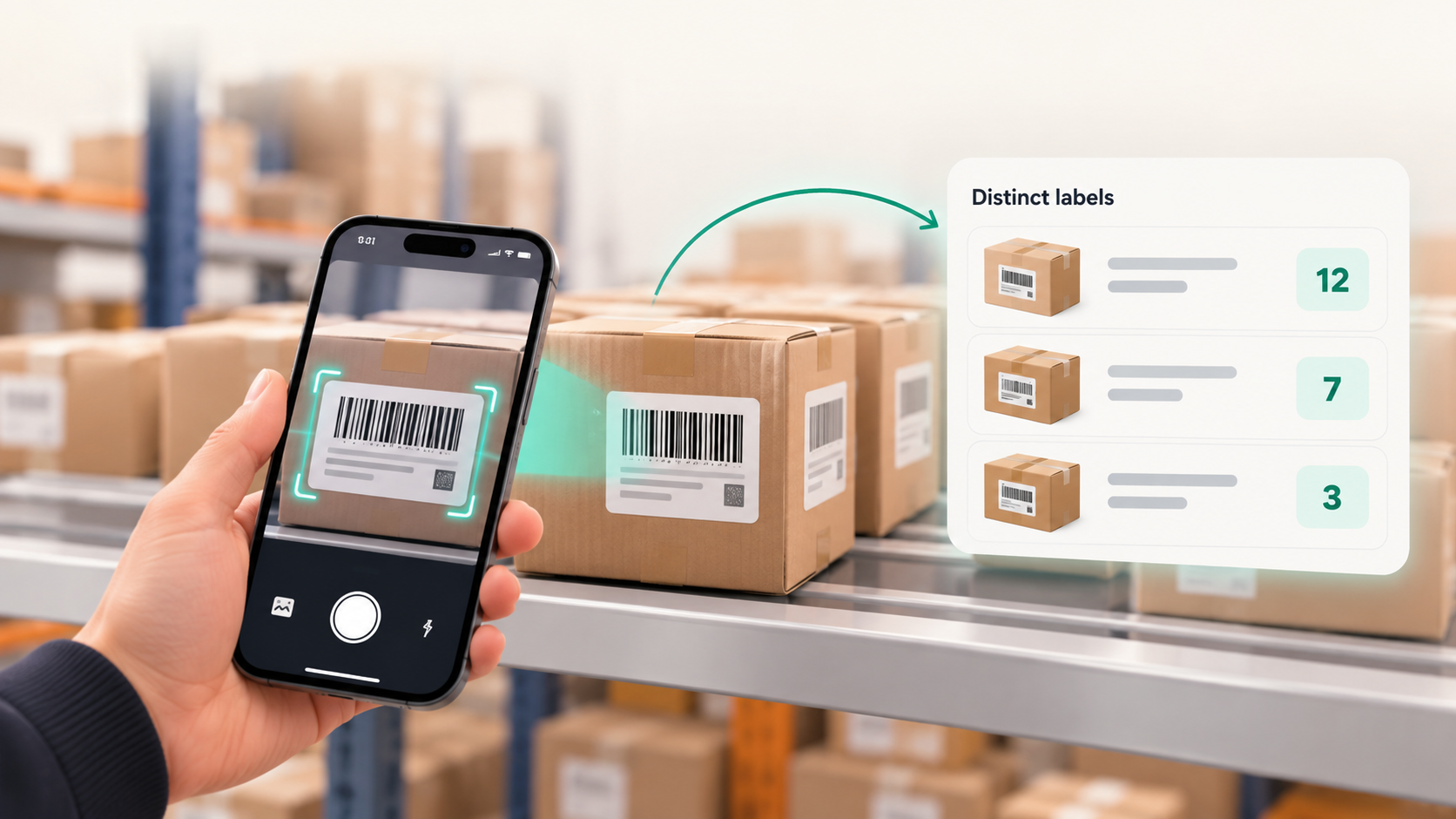
PREVIEW. Track how many distinct packages a sweep has seen by deduplicating repeated video frames for the same label, and surface the count as a receiving aid. Physical quantity counting is not a supported mode.
Operational friction
Operators want a running sense of how many packages a sweep has covered.
During a bulk sweep, the same label can appear across many video frames. Without deduplication, the frame count is mistaken for how many packages were received, which inflates inventory and hides missed items.
Operator journey
A clear path from capture to trusted output
- 1
Sweep
Run a live camera sweep across the shipment. Frames are processed as they arrive.
- 2
Deduplicate frames
Repeated frames showing the same decoded symbol on the same package are collapsed so one package is not counted many times from one angle.
- 3
Review the distinct-package count
The surface shows how many distinct labels have been observed, as an aid for the operator to confirm coverage. The operator confirms the receipt.
Inside the scan
Video-frame deduplication
The core suppresses duplicate frames for the same decoded symbol within a scan session. This is frame-level deduplication of captured imagery, not a physical count of packages on a pallet.
What moves forward
Workflow outputs
- Distinct observed labels within the sweep
- Suppressed duplicate frames for each label
- Operator-facing distinct-package indicator (receiving aid)
What stays visible
Operating boundaries
- Video-frame deduplication is not physical quantity. A single package seen from several angles, or several identical packages each seen once, are not the same as a counted quantity. The distinct-label indicator is a receiving aid, not an inventory quantity.
- Vision Scan does not claim a supported mode that tallies a physical package count from imagery. Quantity of received items is confirmed by the operator and the receiving workflow, not inferred by the core.
- Designed for visible, sufficiently resolved labels.
Build the connection
Add scan and count to your receiving stack.
Start with the versioned contract, then choose the quickest sample path for your host.