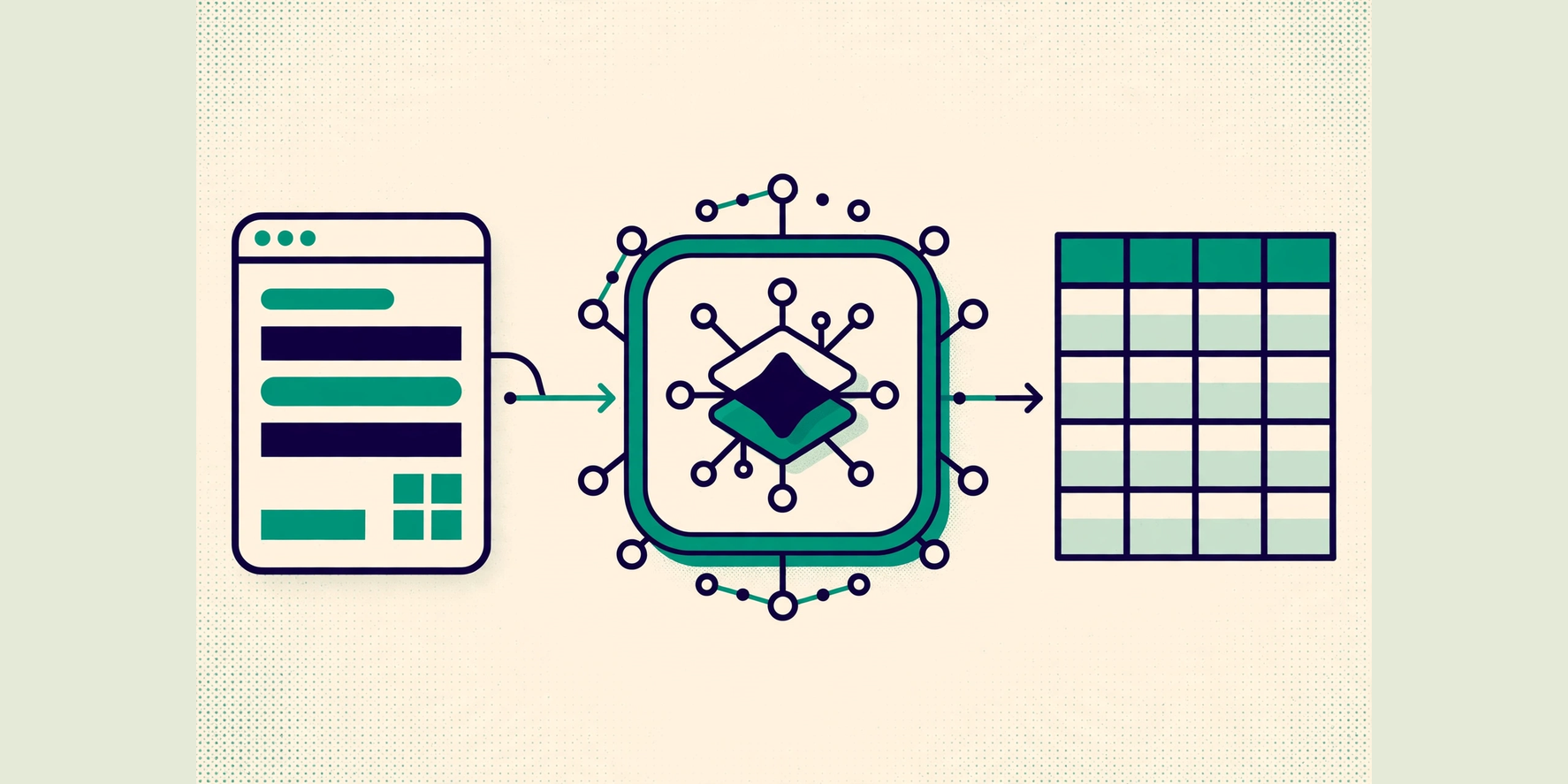
Integrating Vision Scan is not one decision but two: which integration family fits your product, and what that family requires before the first scan. The Developer Docs describe both families in detail — on-device SDKs for Android, iOS, and Linux, and Cloud REST for server-side processing — and this article explains how to choose between them without overstating what either path promises.
A note on scope before the detail: this article summarizes the documented paths at a decision level. It does not reproduce API signatures, version numbers, or licensing terms — those live in the Developer Docs, which are the authority for your platform, and they change. Where the docs mark a path as preview, this article says so rather than presenting it as established.
The two families
On-device SDKs run scanning on the device itself: the Developer Docs cover Android with Kotlin, Android with Java, a native Android AAR installation, iOS with Swift, and Linux with C++. Choose this family when the device is in someone’s hand at the point of scanning — a warehouse handheld, a pharmacy workstation, a field device — and the scan must work where the work happens.
Cloud REST moves the processing to a server: the docs cover Python, JavaScript, and C# with .NET clients that upload and submit to an authenticated session. Choose this family when the capture already happens elsewhere — an existing camera pipeline, a web upload flow, a back-office batch — and the result, not the scan itself, is what your system needs.
The distinction is about where the work happens, not which is "better". An on-device SDK gives you scanning at the edge; Cloud REST gives you scanning wherever an HTTP client already runs. Most confusion in integration planning comes from comparing them on the wrong axis — usually price or novelty — instead of on the location of the scan.
Decide by where the scan happens
Four questions settle most choices. First, who holds the device? If your users carry dedicated hardware, the on-device path matches the work; if your users are on the web or on systems you do not control, Cloud REST avoids a device program you do not want. Second, what happens offline? An on-device SDK keeps scanning where connectivity is poor; a REST integration needs the network for every submission — plan for that dependency explicitly, including what the user sees when it fails.
Third, how sensitive is the data in transit? Both families run behind authenticated sessions in the documented flows, but the data path differs: on-device processing keeps raw frames local, while REST sends captures to a server. Your data policy, not convenience, should decide which path is acceptable. Fourth, who maintains it? An SDK integration means tracking platform requirements — for example, the Android Kotlin guide states Android API 26 or newer — while a REST integration means tracking an HTTP contract. Pick the maintenance burden your team will actually carry.
Prerequisites the docs require
Whichever family you choose, the documented flows share prerequisites, and starting without them is the most common cause of a stalled integration. Device-side paths require device activation and enrollment, a backend-signed license, and tenant and device binding — the guides walk through these in order, and the order matters: enrollment and licensing come before live sessions, not after.
Cloud REST paths require an authenticated session before upload and submission, with credentials handled through the documented control-plane flow. In both families, treat the documented prerequisites as a checklist to complete in sequence, and resist the temptation to skip steps that look like ceremony: binding, licensing, and authenticated sessions are what make a scan attributable to a device and a tenant, which is what makes the resulting records trustworthy.
| Aspect | On-device SDK | Cloud REST |
|---|---|---|
| Where scanning happens | On the device, at the point of work | On a server, from an uploaded capture |
| Documented paths | Android (Kotlin, Java, AAR), iOS Swift, Linux C++ | Python, JavaScript, C#/.NET HTTP clients |
| Connectivity | Scanning continues where connectivity is poor | Every submission needs the network |
| Data path | Raw frames stay on the device | Captures travel to the server |
| Prerequisites | Device activation, enrollment, backend-signed license, tenant/device binding | Authenticated session before upload and submission |
Verify before you commit
Before committing a product line to either family, run one narrow pilot: one device or one upload flow, one real workflow, end to end, including the failure cases — an unreadable label, a rejected license, a failed session. A pilot that only tests the happy path proves nothing; the integration decision should survive the exception path too.
Two cautions belong in every plan. First, some documented paths describe preview lifecycles — the iOS Swift guide, for example, exercises a preview session lifecycle — and preview means the details may change; confirm the current state in the docs before building on it. Second, keep the Developer Docs open beside this article: this guide helps you choose, but the docs are the implementation authority, and any conflict between the two resolves in favor of the docs.
Comments
Comments are stored in this browser only. They are not published, synced, or visible to other readers.
No comments yet on this device. Be the first.